Login/Registration
Diagnose and resolve a network connectivity problem.
Go to Welcome

Welcome to our comprehensive guide on how to easily log in or register on our platform! Whether you're a returning user or new to our services, this step-by-step tutorial will walk you through the entire process, ensuring a smooth and hassle-free experience. Get ready to access all the exciting features and benefits our platform has to offer. Let's get started!
Click on Let’s get started
To begin the login or registration process, your first step is to navigate to the welcome page of our platform. This page serves as the entry point to access our services and initiate your account setup or login. Click on the link provided to be directed to the welcome page and prepare for the next steps in gaining access to our platform.
Once you are on the welcome page, take a moment to familiarize yourself with the layout. You'll notice a prominent button labeled "Let's get started". This button is your gateway to initiating the login or registration process. Clicking on this button will redirect you to the next screen where you can choose to either log in if you already have an account, or register as a new user. This is the first interactive step towards accessing our platform's features.

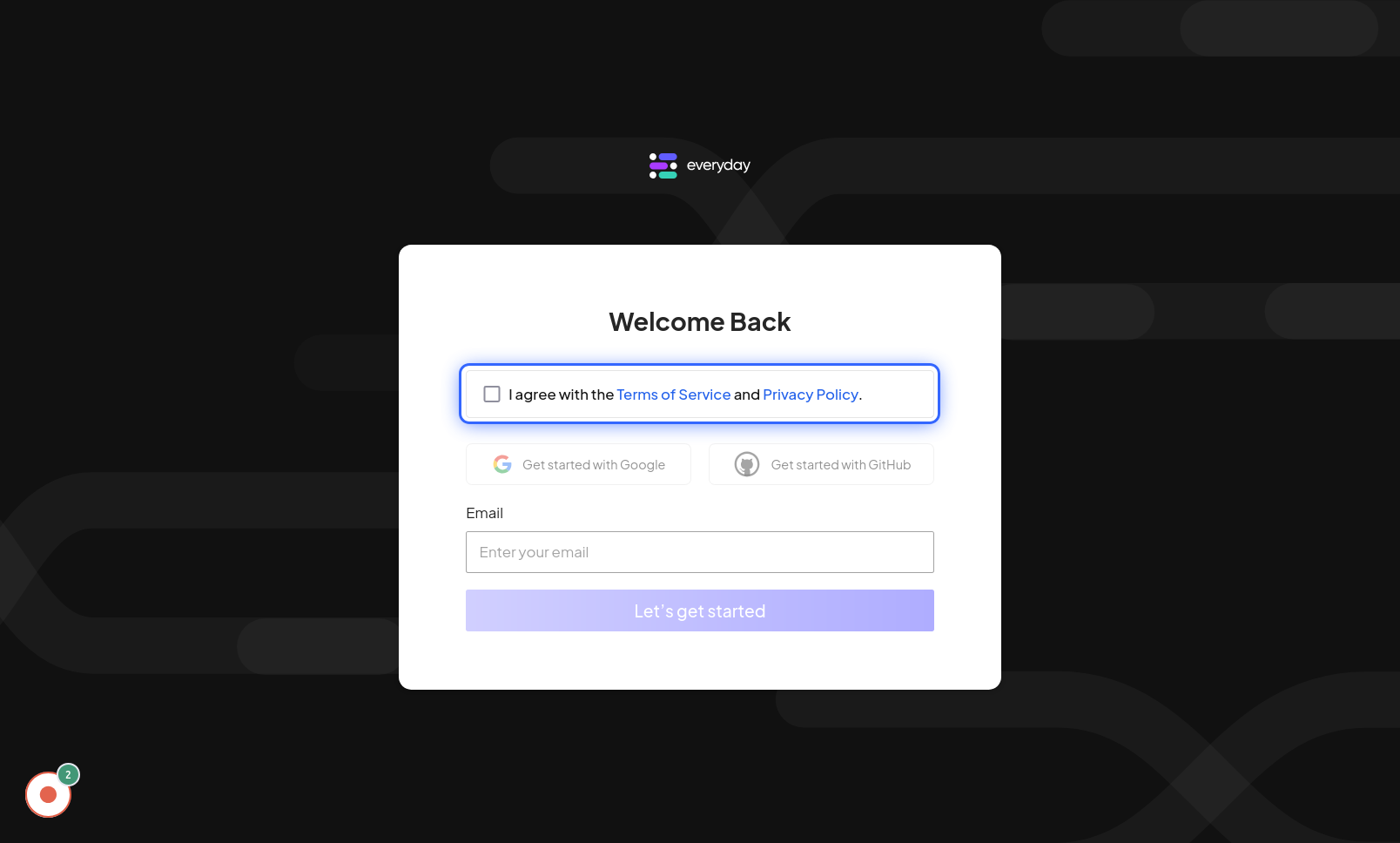
Click on I agree with the Terms of Service and Privacy Policy.
In this step, you will be presented with our Terms of Service and Privacy Policy. It's crucial to understand the terms and conditions governing the use of our platform and how we protect your privacy. Please take a moment to carefully read through these documents. Once you have reviewed and agree with our policies, click on the checkbox next to "I agree with the Terms of Service and Privacy Policy." This action signifies your understanding and consent to abide by these terms, allowing you to proceed further in the login or registration process.
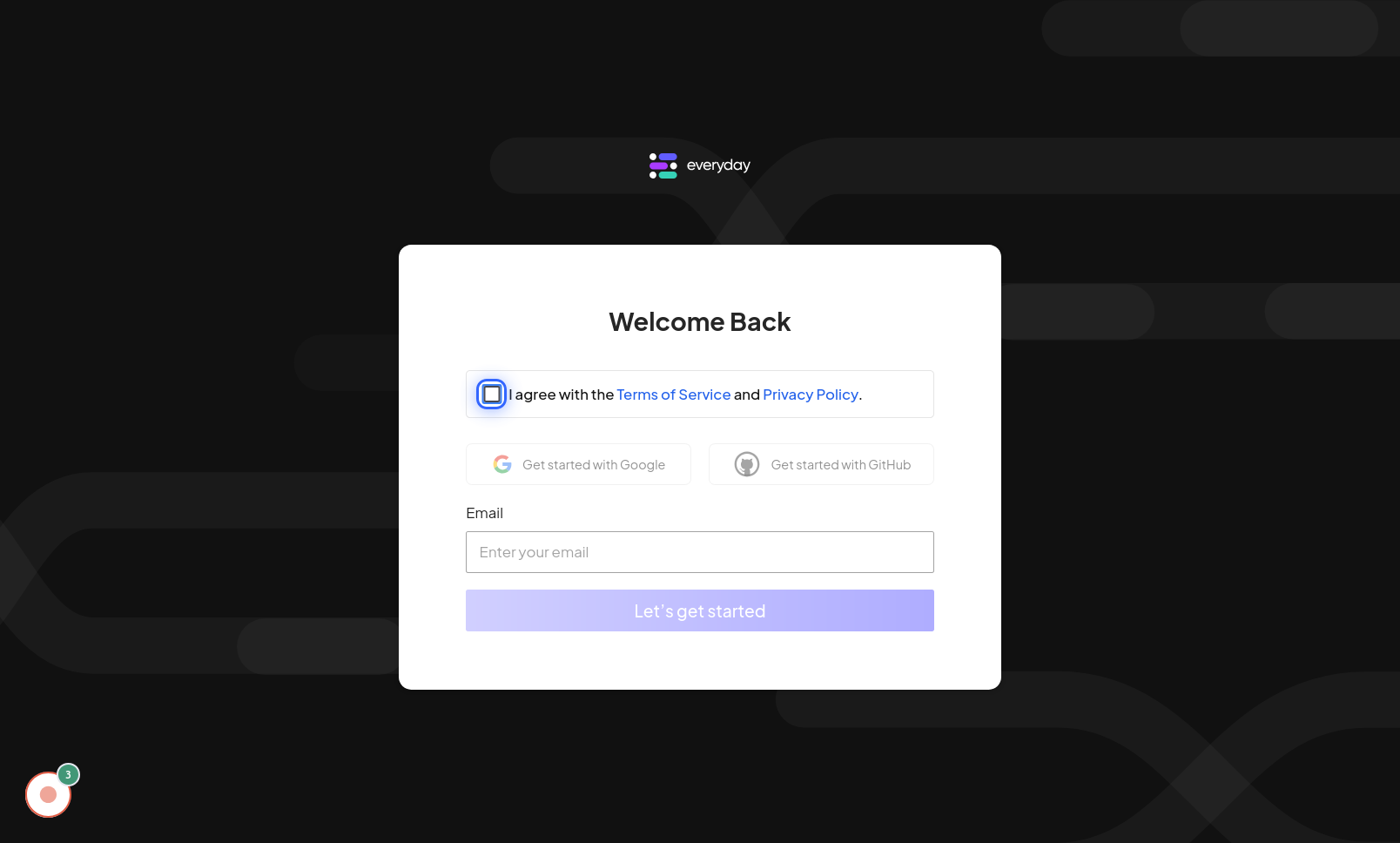
Click on Input field
After agreeing to the terms, the next step is to identify the email input field. This field is typically labeled clearly as "Email Address" or simply "Email". Click inside this input field to activate it, making it ready for you to type in your email address. Ensure that you use a valid and active email address as this will be used for account verification, communication, and potential password recovery in the future.
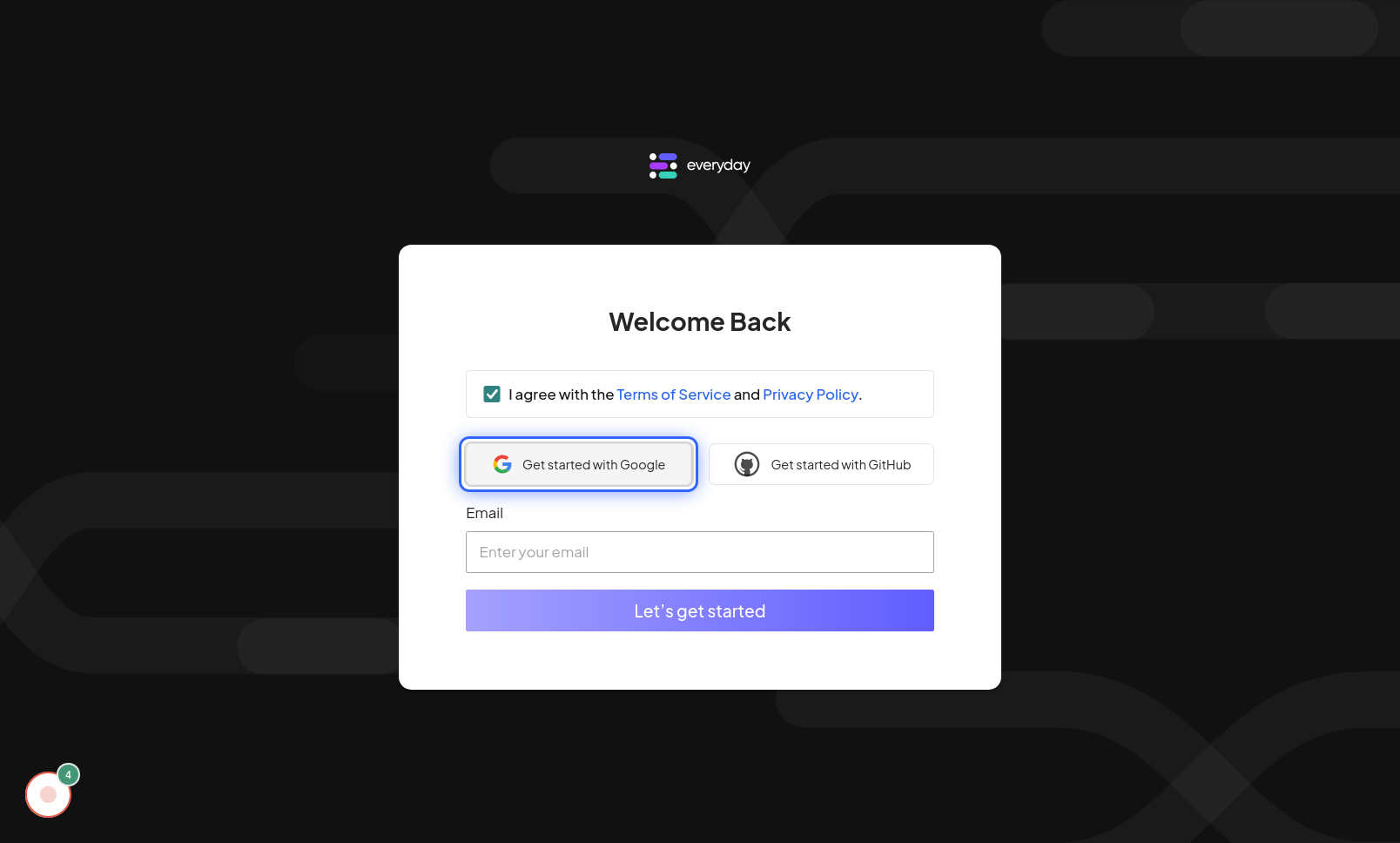
Click on Get started with Google
For a faster and more convenient login or registration experience, you can opt to use your Google account. Click on the "Get started with Google" button. This will initiate a secure process where you can select your Google account to sign in or sign up. This method streamlines the process by using your existing Google credentials. Alternatively, you may also see options to "Get started with GitHub" or proceed with traditional email and password registration, offering flexibility to choose your preferred method based on your convenience and security preferences.